
Know the moment a new review lands.
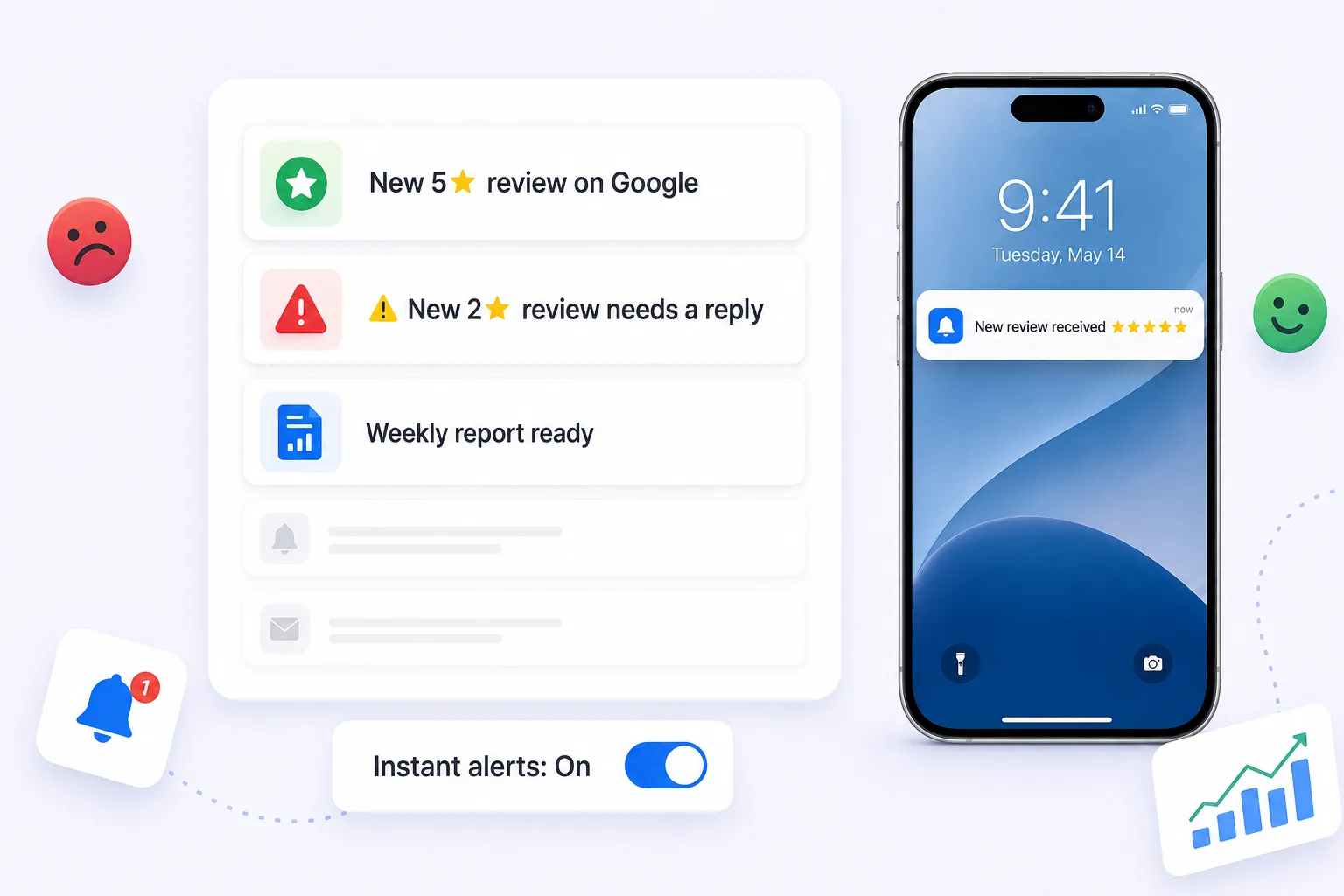
Review alerts tell you the moment a review lands, drops below a rating threshold you set, or mentions a keyword you care about, by email and in-app, routed to whoever should handle it.
Free forever for Google · No card required · Built for service businesses everywhere
A negative review unanswered is a negative review amplified.
The cost of a negative review is mostly the time it sits there unanswered. A complaint answered the same day reads as a business that cares; the identical complaint answered three weeks later reads as one that did not notice. The difference is rarely willingness. It is knowing in time.
Found too late
Negatives are often spotted days later, after the harm is done.
Slow response
Without a nudge, replies wait, and silence reads as not caring.
Small issue, big spread
One ignored complaint becomes the review everyone reads.
Know instantly, respond fast.
Set your triggers
Choose the ratings and keywords that should alert you.
Get notified
Email and in-app alerts reach the right person immediately.
Respond and resolve
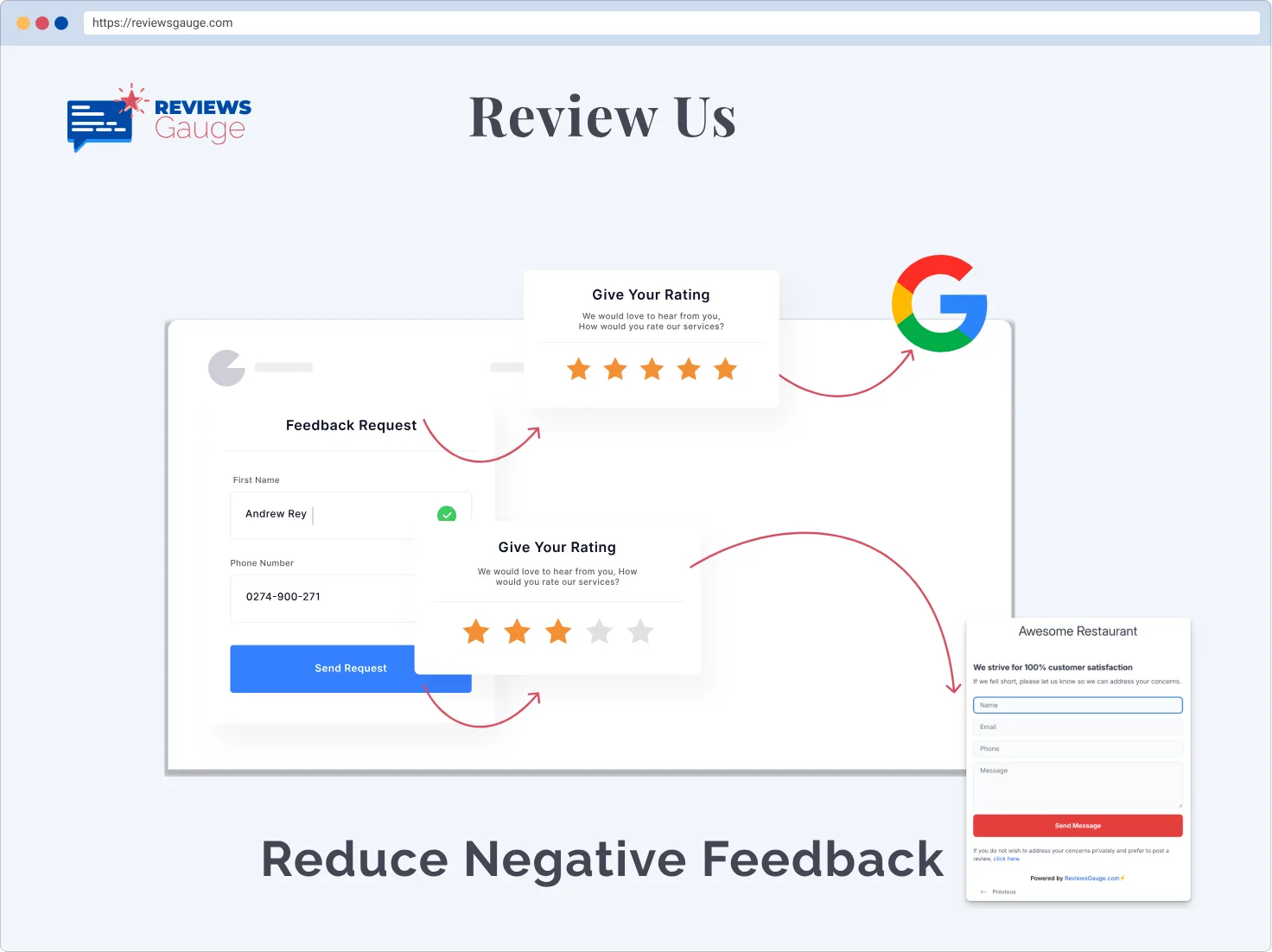
Reply with an AI-assisted draft and close the loop fast.
Alerts the moment it matters.
Alerts fire on the triggers that matter rather than on everything. A new five-star review does not need to interrupt anyone's afternoon; a two-star review about a safety issue does. You choose the rating threshold and the keywords, so the notifications you get are the ones you would want to be interrupted for.
- Rating-threshold alerts
- Email & in-app notifications
- Route to the right teammate
Turn a negative review around.
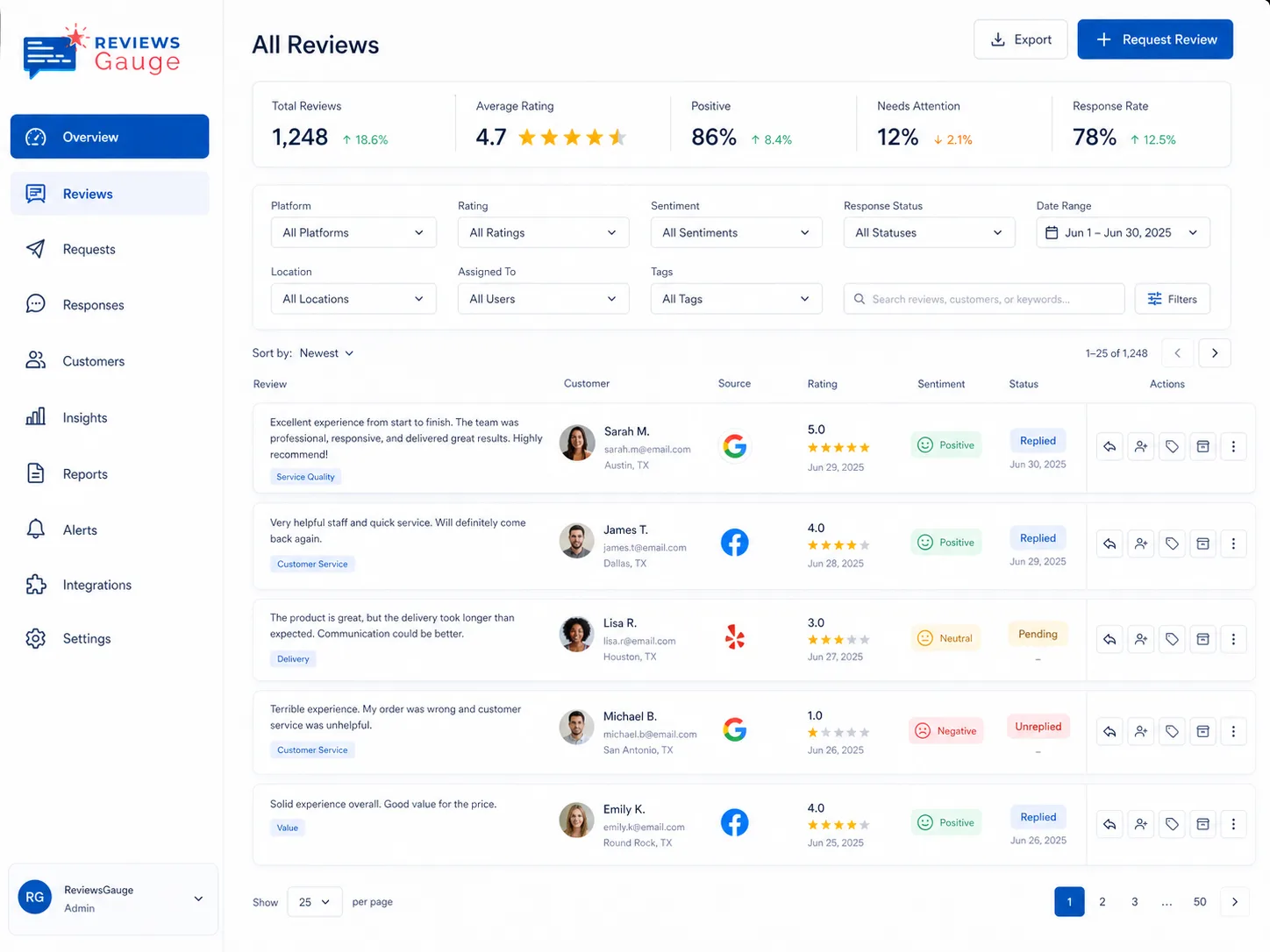
Alerts route to the right person, which is what makes them work in a business with more than one location or more than one manager. A branch manager hears about their own site, an owner hears about anything below threshold anywhere, and the review does not sit waiting for whoever happens to log in first.
- Fast, professional public replies
- Respond before small issues grow
- Win customers back
Stay ahead of every issue.

Instant alerts
Know the second a negative lands.

Fast resolution
Reply quickly with AI assistance.

Nothing missed
Every flagged review is tracked to done.
Better together.
Who uses new reviews alerts.
Yoga Studio · Home Services · Airbnb & Short-Term Rentals · Real Estate · Tours & Travel · Dental & Orthodontics
Further reading: How to report a fake Google review · How to remove a bad Google review (and what to do when you can’t) · How to ask customers for reviews without it being awkward
New Reviews Alerts, answered.
What triggers an alert?
Can alerts go to specific people?
Does this hide negative reviews?
What triggers a review alert?
Can alerts go to different people?
Does alerting hide negative reviews from anyone?
How quickly do alerts arrive?
Can I turn off alerts for positive reviews?
Will alerts overwhelm my inbox?
Can I get alerts for a specific location only?
Last updated