
Ask for reviews automatically, at the perfect moment.
Review request emails go out automatically after a job, appointment, purchase or visit, using branded templates and the timing you choose. Every paid plan includes a monthly email and SMS allowance, so requests keep sending without anyone remembering to.
Free forever for Google · No card required · Built for service businesses everywhere
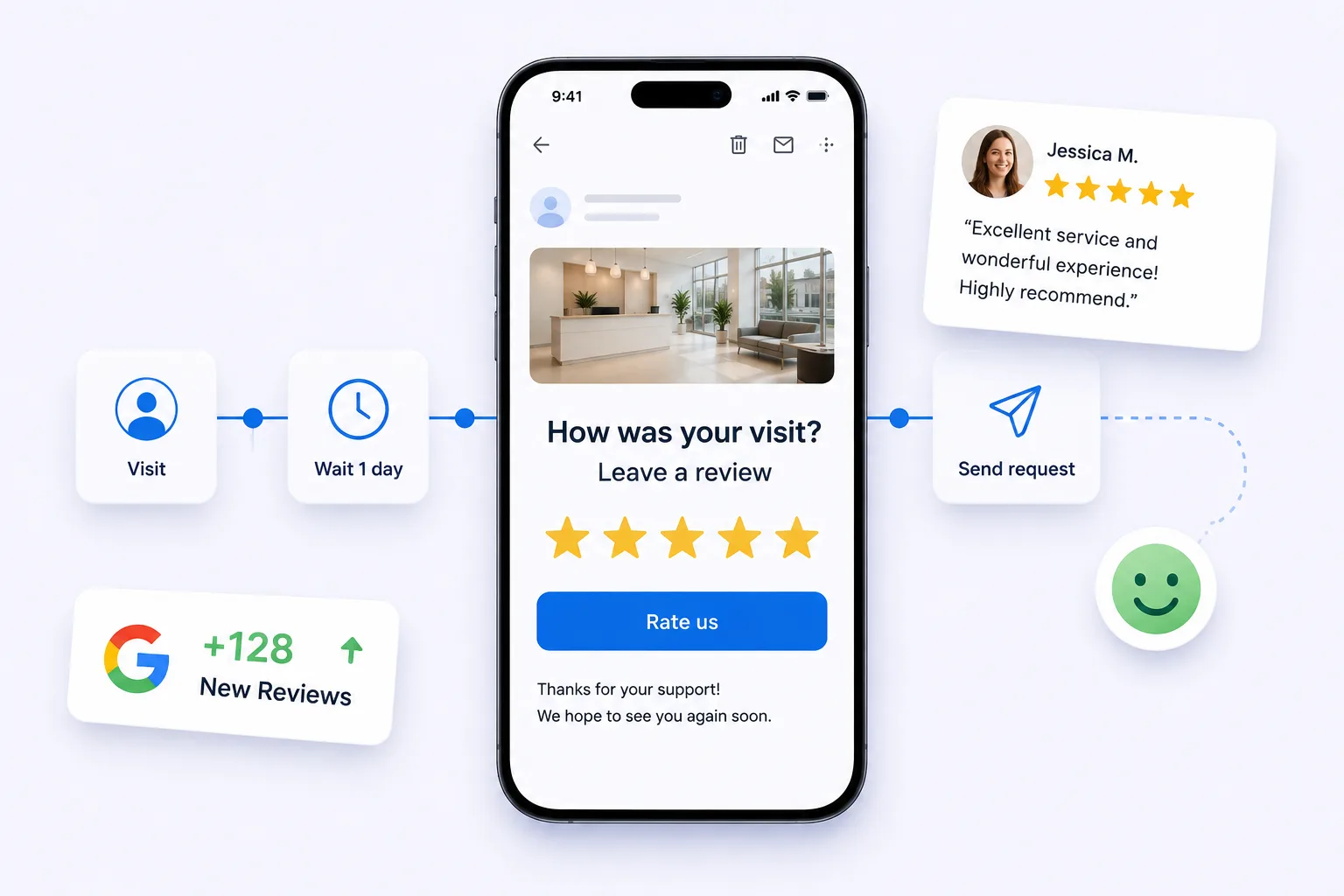

Asking manually means asking inconsistently.
Asking by hand works for about a fortnight. Then a busy week happens, the habit lapses, and review volume falls off a cliff, which is exactly when a single bad review has the most effect, because there is nothing recent around it.
Easy to forget
Manual asks slip through on busy days.
Wrong timing
Send too early or too late and response rates fall.
Inconsistent message
Ad-hoc requests look unprofessional and convert worse.
Set it once, collect forever.
Choose a trigger
After checkout, an appointment, a purchase or a visit.
Set timing & template
Pick the delay and a branded message.
Requests send themselves
Every customer gets a timely, professional ask.
Never forget to ask again.
Requests are triggered by the events that already happen in your business: a job marked complete, an appointment attended, a payment taken. Once the trigger is set the asking continues at the same rate in a quiet month and a chaotic one, which is what produces the steady review flow that search engines reward.
- Triggered by service events
- Email & SMS
- Set-and-forget automation
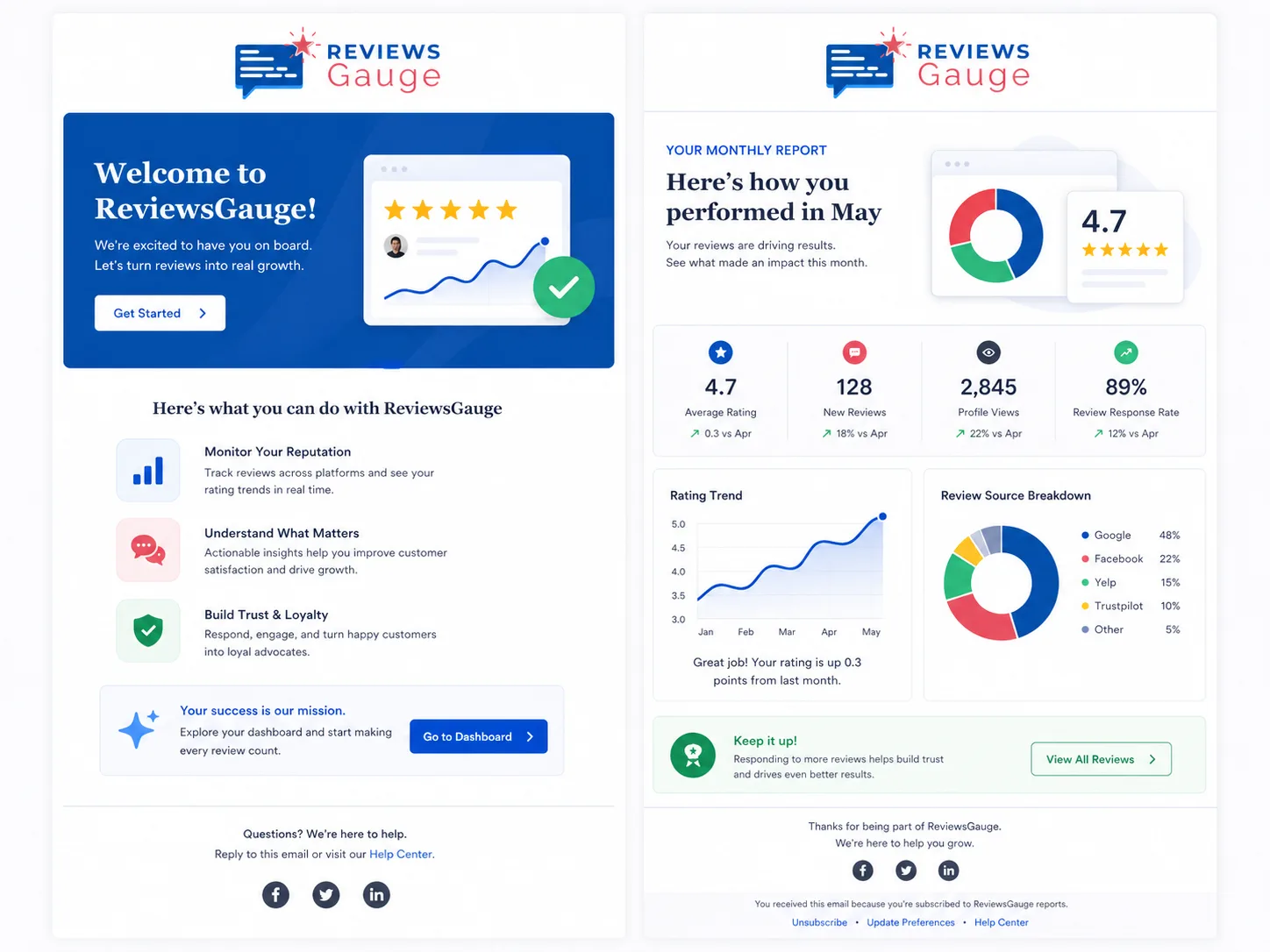
Requests that feel like you.
Templates are branded, so the request looks like it came from you rather than from a tool, which matters, because a request that looks automated gets treated like one. Timing is yours to set: immediately for a restaurant, a few hours later for a home visit, the next morning for a clinic.
- Branded templates
- Mobile-friendly
- A couple of taps to review
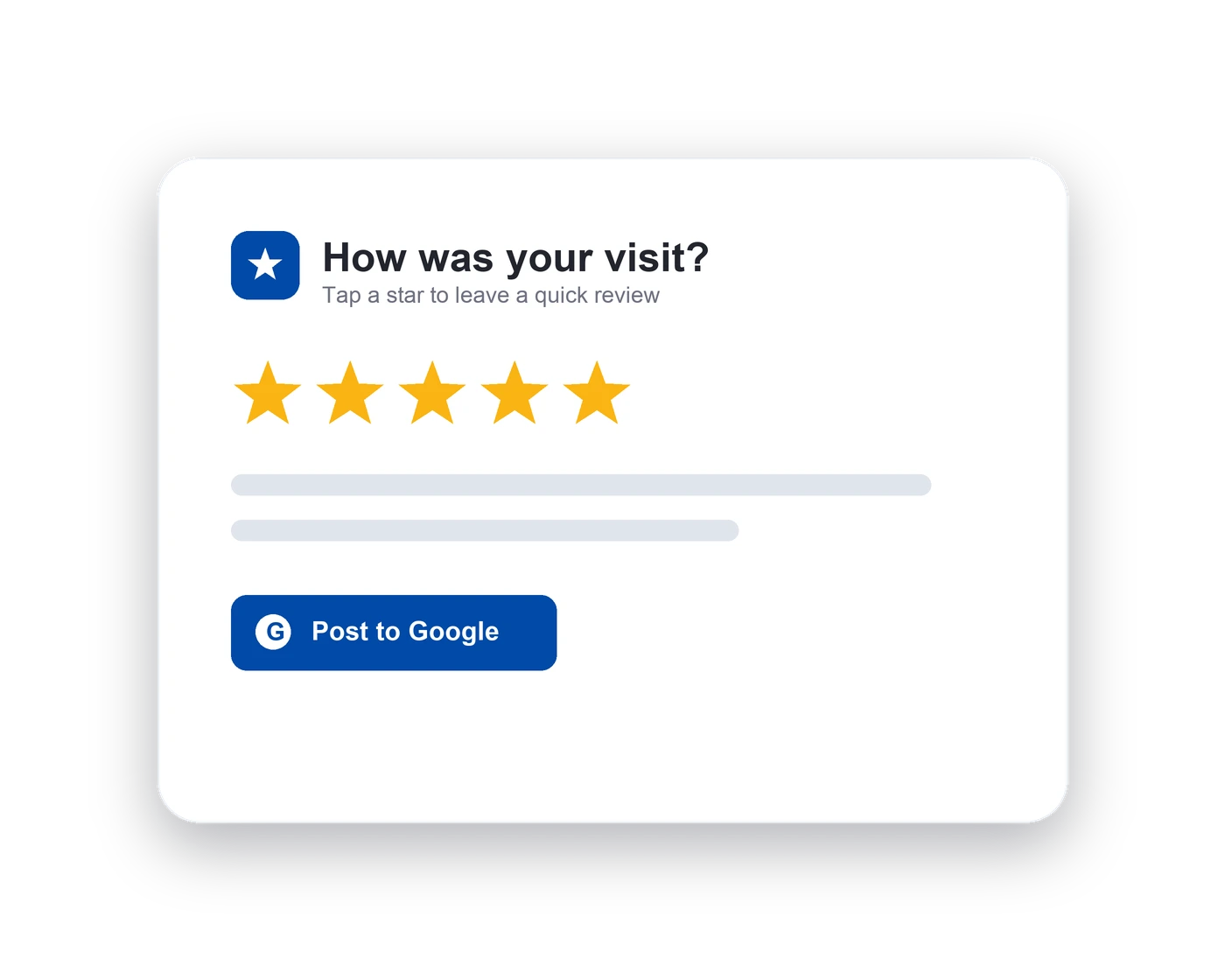
Consistent asks, zero effort.

Smart triggers
Send at the perfect moment.

Email & SMS
Reach customers their way.

On-brand
Professional, every time.
Sends at the right local time
Requests go out in each customer's time zone, within the hours you set.
Better together.

Who uses email review requests.
Franchises · E-commerce & Retail · Legal & Professional · Fitness & Gyms · Yoga Studio · Home Services
Further reading: How to get your Google review link · Should you buy Google reviews? · How to report a fake Google review
Email Review Requests, answered.
Is SMS included?
When are requests sent?
Can I brand the emails?
What should a review request email say?
Is SMS included as well as email?
When should the request be sent?
Can I brand the emails?
What if a customer does not respond?
How many follow-ups should I send?
Will review requests hurt my email deliverability?
Can I control when review requests are sent?
Last updated