
Collect reviews with a tap, right at your counter.
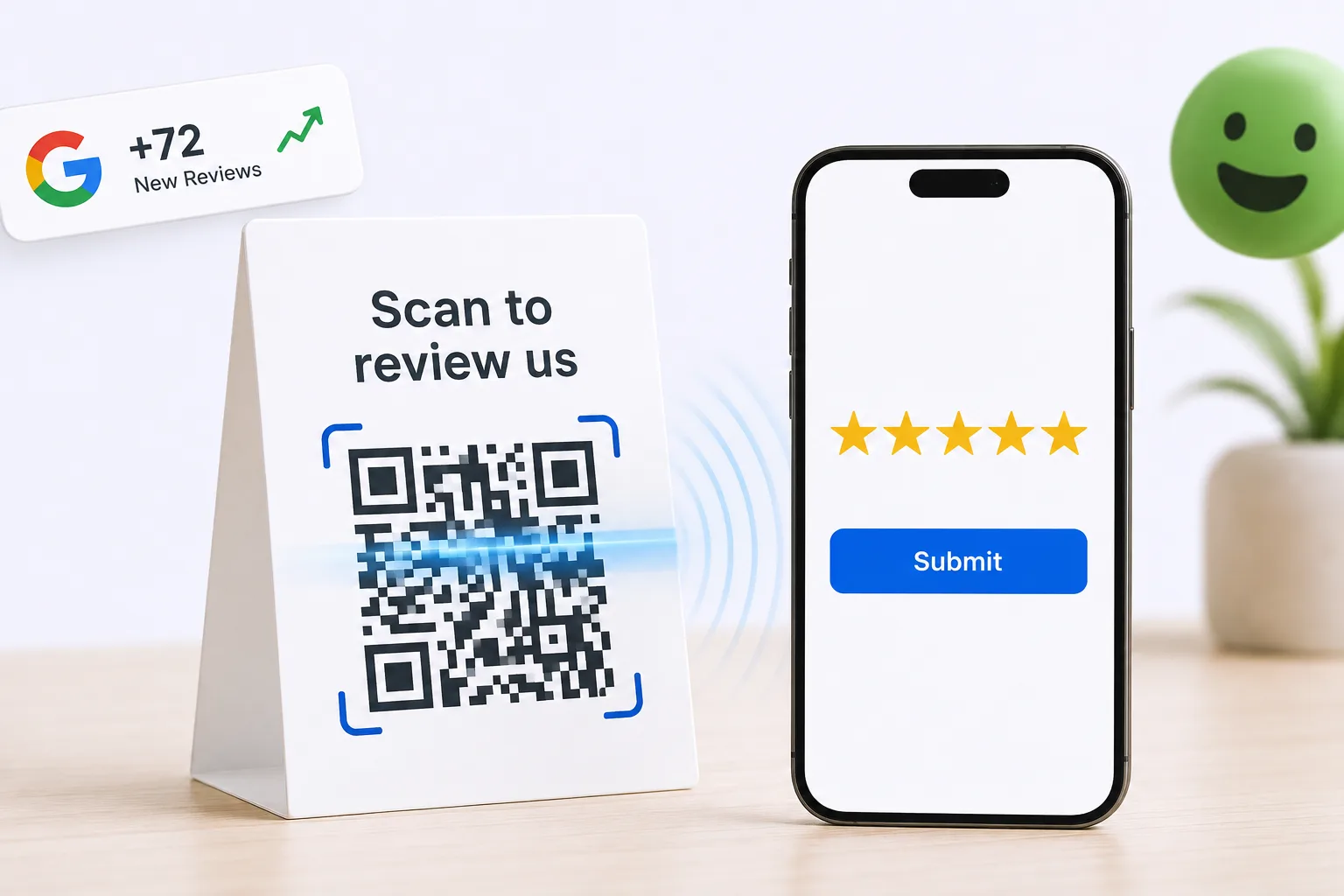
A Google review QR code turns the moment a customer is happiest into a review. Print it for the counter, the table or the receipt. They scan it with their phone camera and your review page opens in seconds. No app to download, no long link to type.
Free forever for Google · No card required · Built for service businesses everywhere
The best time to ask is before they leave.
On-site is where satisfaction peaks, and where most businesses never actually ask. A QR code captures that moment with zero friction: no long link to spell out, no email sitting unopened three days later, and nothing for a busy team to remember at the end of a shift.
Moment lost
Ask later by email and the enthusiasm has faded.
Friction
Typing a long review link kills momentum.
No prompt on-site
Without a visible prompt, customers don’t think to review.
On-site reviews in three steps.
Generate a code
Create a branded QR linked to your review page.
Place it
Table tents, counters, receipts, packaging: anywhere.
Customer scans & reviews
A quick scan opens the review in a couple of taps.
Scan, rate, done.
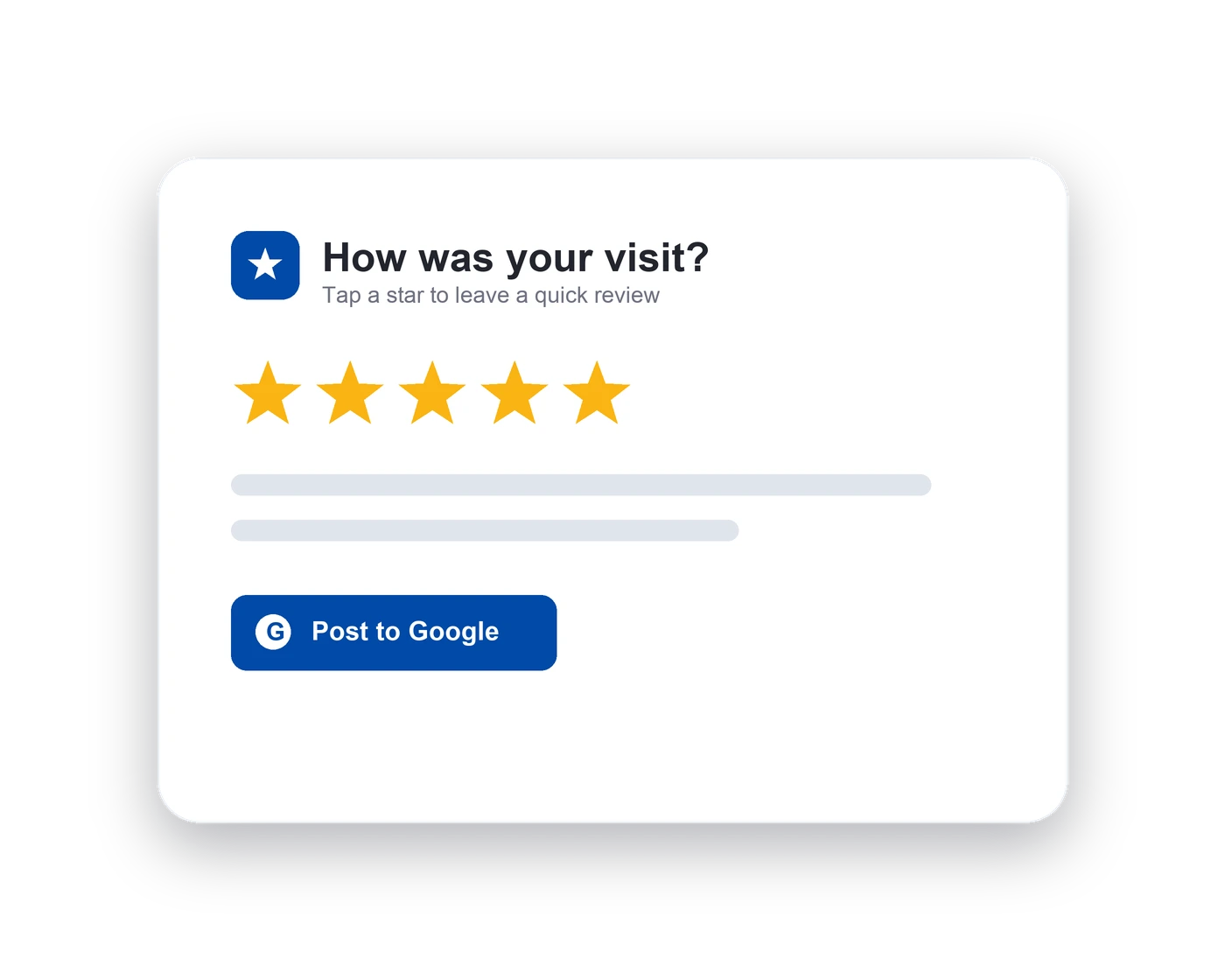
A phone camera is all anyone needs. Point, scan, and your review page opens, usually in a few seconds, and always before the customer has left. There is no app to download, no link to read out across a counter, and nothing for staff to explain. Because every scan is tracked, you can see which placements turn into reviews and quietly move the ones that do not.
- No app required
- Branded QR codes
- Links straight to your review page
One code, every surface.
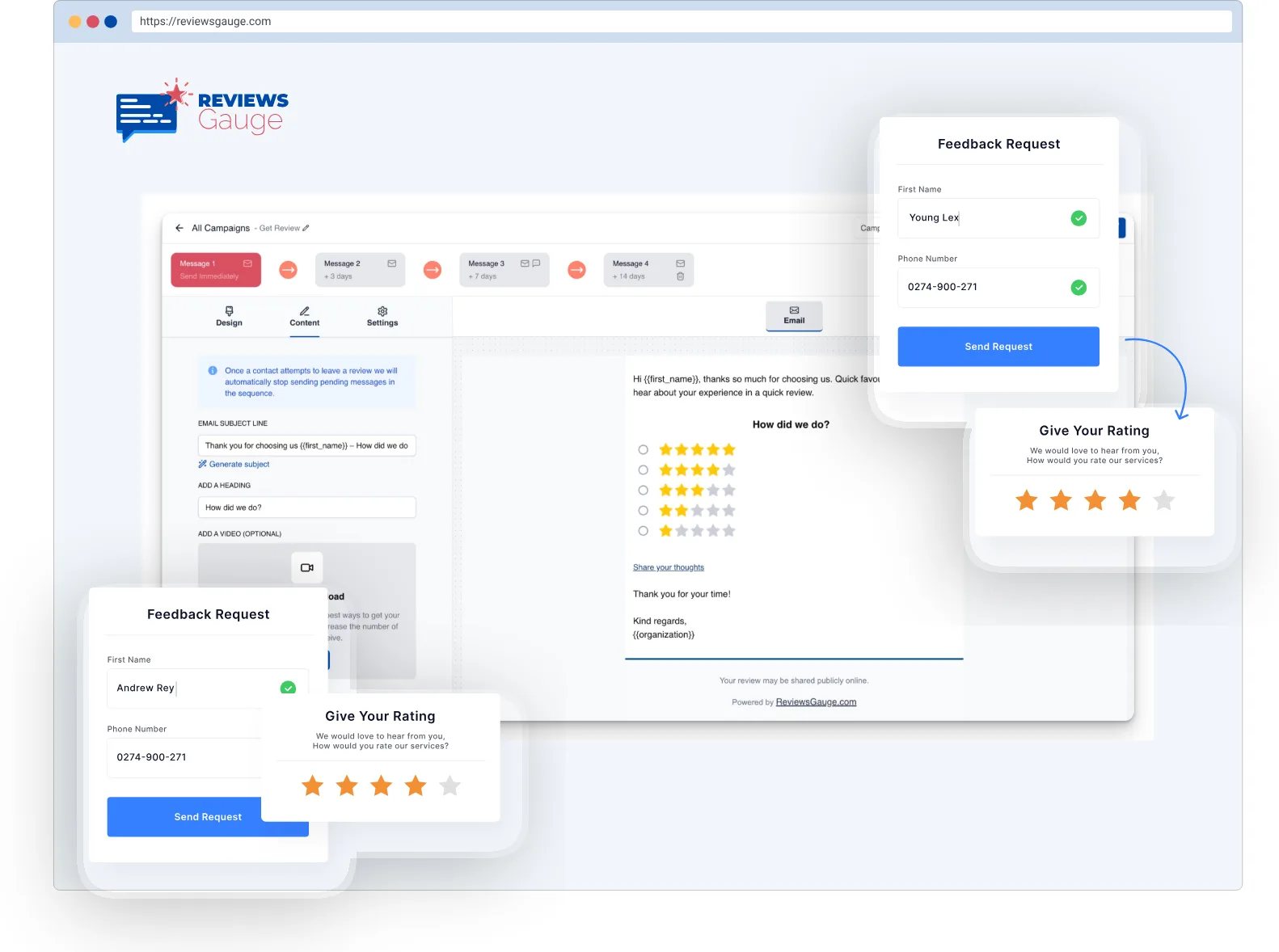
One code works everywhere you meet customers. Print it on table tents, receipts, packaging, invoices, posters and window stickers. The artwork stays the same, so you can reprint whenever you like without generating anything new. Where a printed code is not practical, pair it with an NFC card or stand at the counter: the same review page, one tap instead of a scan.
- Print on anything
- Pair with NFC tap-to-review
- Track scans to reviews
Made for physical locations.

Branded codes
QR that matches your business.

Zero friction
Scan to review in seconds.

Place anywhere
Counter, table, receipt, packaging.
Better together.
Who uses qr code collection.
Massage & Spa · Restaurants & Cafés · Medical Practices · Hotels & Resorts · Franchises · E-commerce & Retail
Further reading: Do Google reviews help your ranking? · Automated review requests: how they work and when to send them · Podium alternatives: what to look at, and when to stay
QR Code Collection, answered.
Do customers need an app to scan?
How do I create a Google review QR code?
Is asking for reviews with a QR code against Google's policy?
Where should I place the QR code?
Do the QR codes expire or stop working?
Can I tell which QR codes are actually working?
Can I brand the QR code?
What is the difference between QR and NFC tap-to-review?
Last updated