
Turn five-star reviews into social proof.
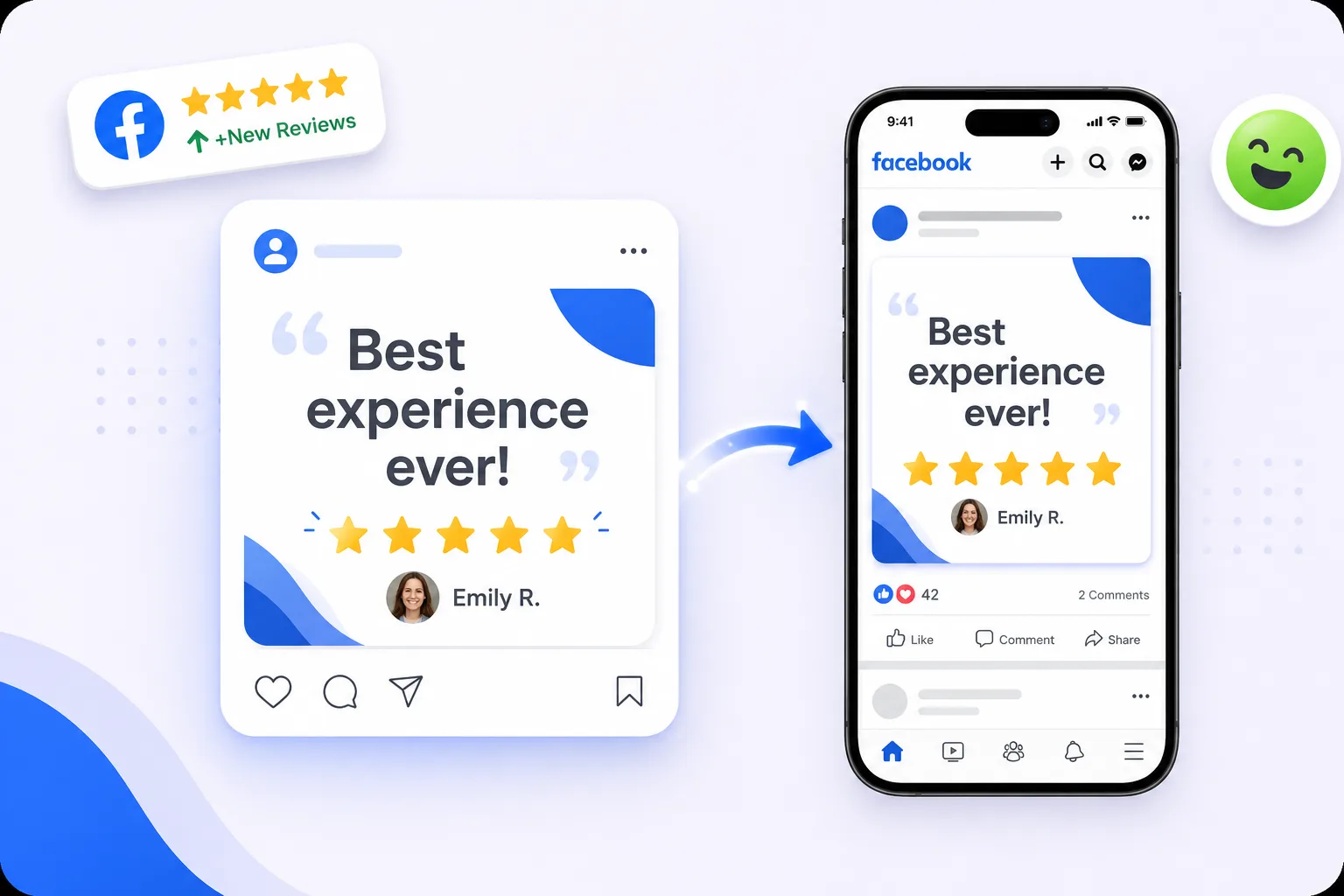
Turn five-star reviews into branded social posts in a click. Your logo, colours and fonts are applied automatically, you choose which reviews to share, and nothing is posted without your approval.
Free forever for Google · No card required · Built for service businesses everywhere
Your best reviews deserve more than one platform.
Genuine praise is the most persuasive marketing you own, and most of it is never seen twice. It arrives on Google, gets read by the owner, and stays there, while the social feed gets filled with content that works far harder for far less effect.
Seen once
A great review gets buried under newer ones.
Design friction
Making it look good takes a designer and time you don’t have.
Empty content calendar
Service businesses always need fresh, credible posts.
Review to post in three steps.
Pick a review
Choose a standout five-star review.
Apply your brand
Drop it into an on-brand template automatically.
Share
Post to your social channels and reuse on your site.
Branded posts, instantly.
Choose a review, and the post is composed for you with your branding already applied, no design tool, no waiting on someone with the brand files. What takes most businesses twenty minutes and a designer takes a couple of clicks, which is the difference between sharing proof regularly and meaning to.
- On-brand templates
- Your logo, colours & fonts
- Ready for every channel
One review, many surfaces.
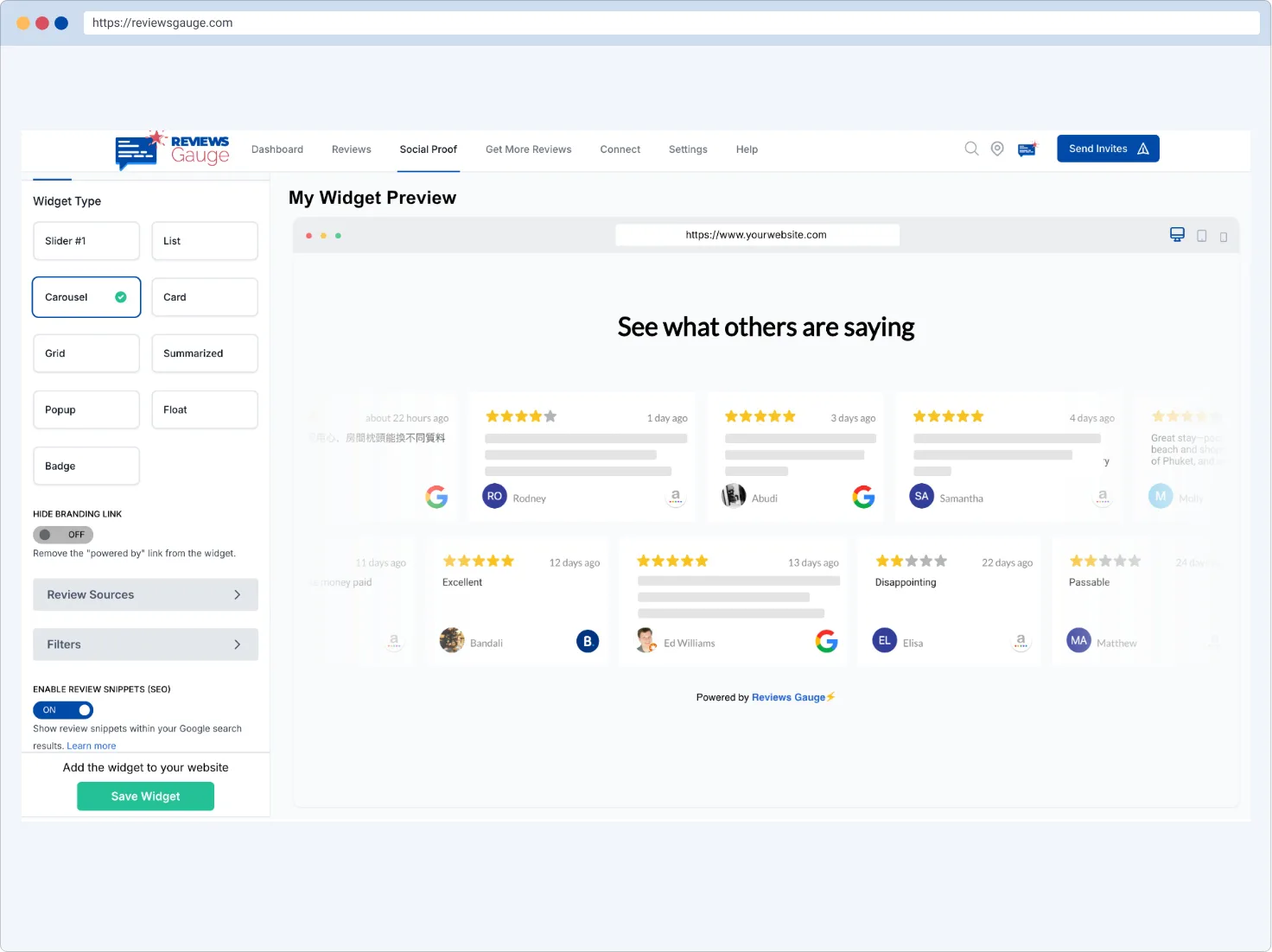
You decide what gets shared. Reviews are selected by you rather than posted automatically, so nothing goes out that you would not have chosen yourself. That matters because a five-star review can still mention something you would rather not amplify.
- Pair with website widgets
- Consistent social proof
- Fuel your content calendar
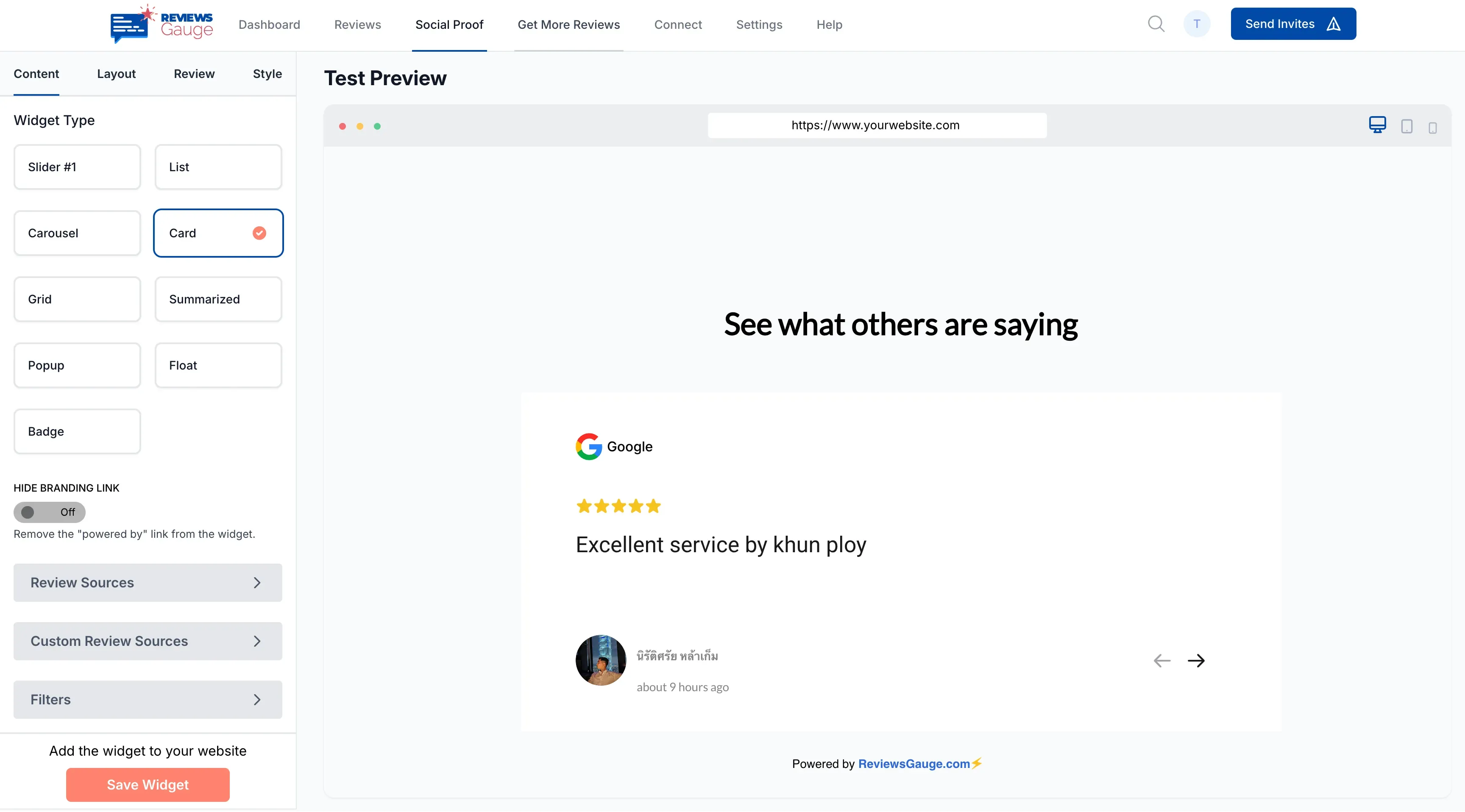
Marketing-ready in minutes.

Branded templates
Designed posts, zero design work.

Pick your best
Surface five-star reviews to share.

Multi-channel
One review, every platform.
Better together.
Who uses social sharing.
Medical Practices · Hotels & Resorts · Franchises · E-commerce & Retail · Legal & Professional · Fitness & Gyms
Further reading: Google review QR codes: how they work and where to put them · How to get your Google review link · Should you buy Google reviews?
Social Sharing, answered.
Do I need design skills?
Which channels can I share to?
Can I choose which reviews to share?
Do I need design skills to share reviews?
Can I choose which reviews get shared?
Is sharing only my best reviews dishonest?
Where can I share the posts?
Can I use reviews on my website too?
How often should I share reviews on social?
Do I need permission to share a customer's review?
Can I edit the review text in a post?
Last updated