Reply to every review, faster, in your own voice.
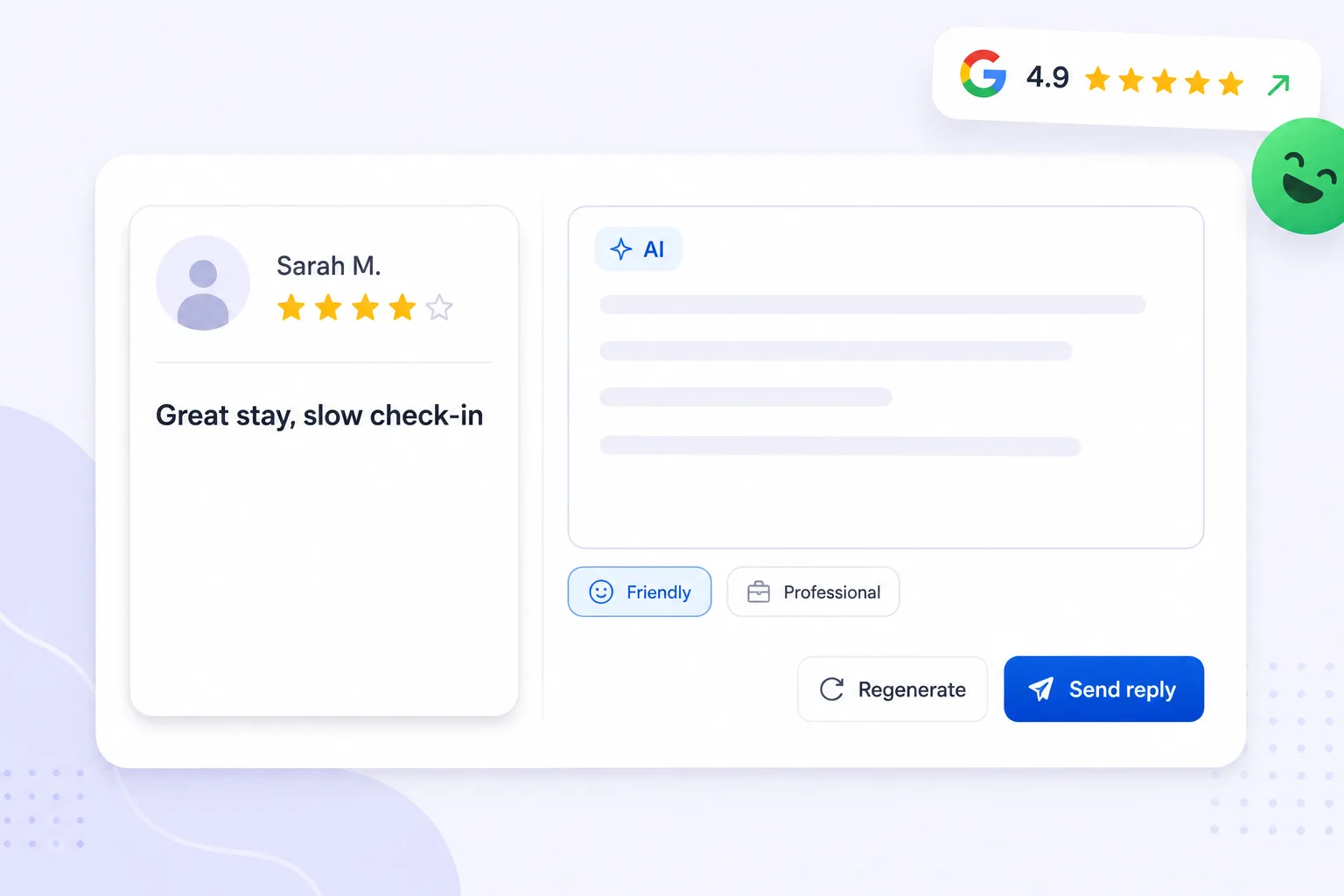
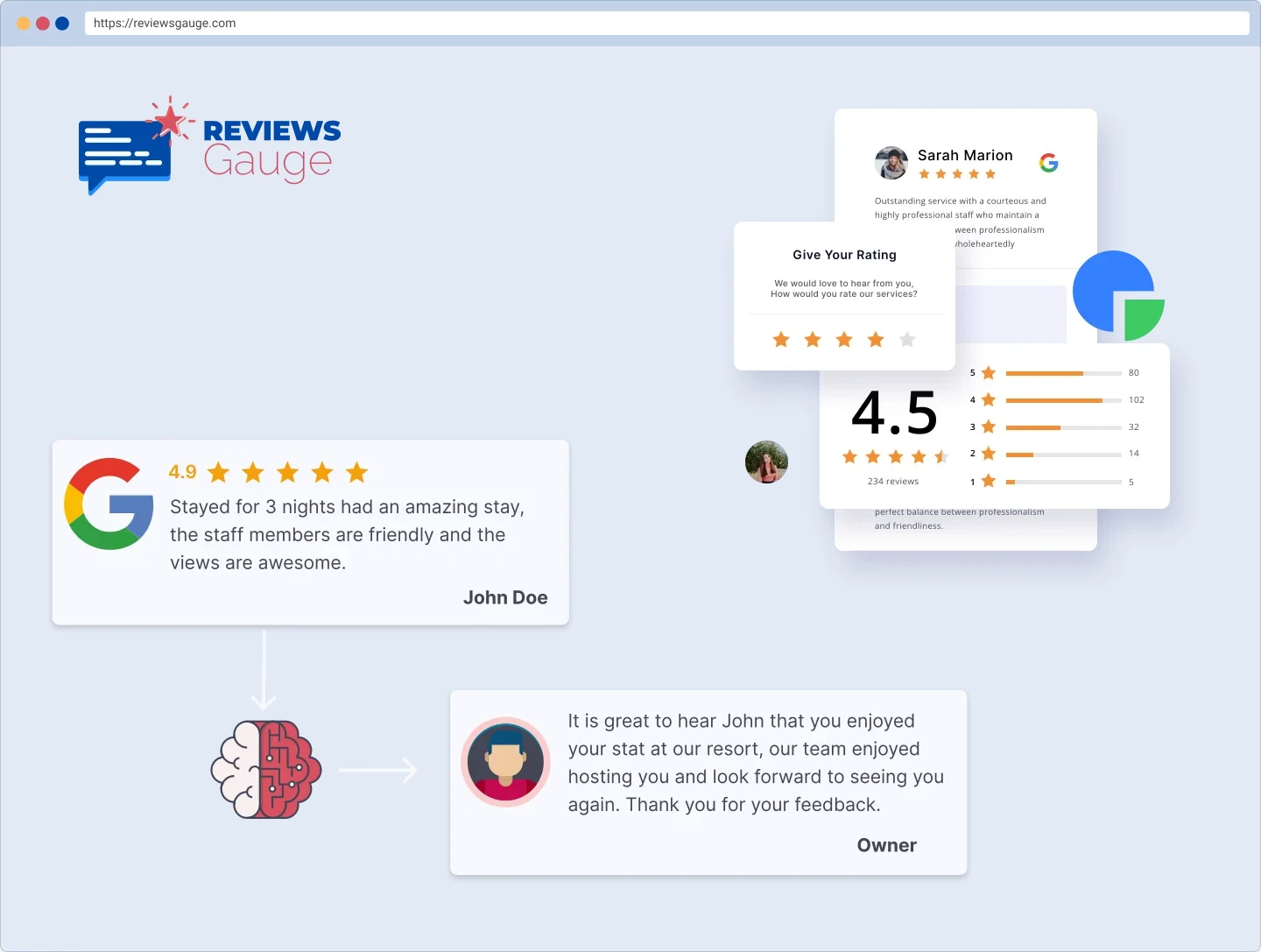
An AI review response generator drafts a specific, on-brand reply to every review, in your voice and in the reviewer's language, then holds it for your approval. You edit anything you want and post it from inside ReviewsGauge.
Free forever for Google · No card required · AI responses from Professional
Replying to every review takes time you don’t have.
Replying well takes longer than anyone expects. Each review needs reading, a considered response, and a tone that fits your business rather than a template. Multiply that by every review across every platform and replies quietly become the job nobody gets to, which is why so many profiles have unanswered reviews sitting at the top.
No time to reply
A thoughtful response to every review is the first thing that slips on a busy day.
The hard ones sit
Negative reviews are the most important to answer, and the easiest to put off.
Off-brand replies
Rushed or copy-pasted responses read as generic and do more harm than good.
From review to reply in three steps.
A review comes in
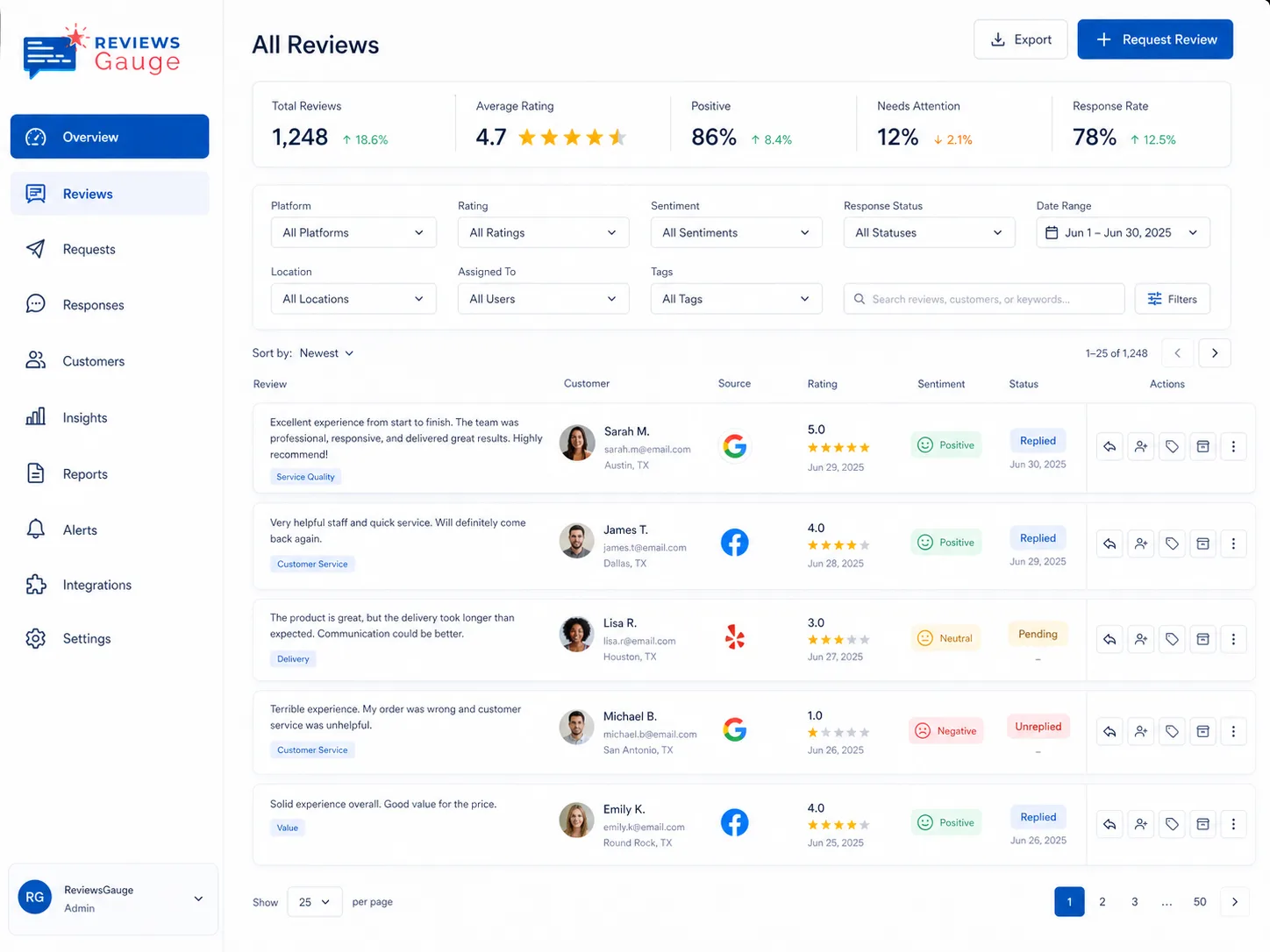
Every new review lands in one inbox, with instant alerts on anything negative.
AI drafts a reply
Get a professional, on-brand draft in seconds, matched to the review’s tone and details.
You approve, it posts
Edit anything, then post: auto-post on Google & Facebook, or one-click for the rest.
Sound like you, not a robot.
Drafts are written in the first person and reference what the reviewer actually said, so they read like a person rather than a form letter. There is no "We are thrilled to hear" boilerplate. If the tone is not right you edit it, and the draft is only ever a starting point. Nothing is published without you.
- Matches your brand voice
- References the review’s details
- Consistent across locations & 30+ languages
Approve before anything goes public.
Approval is the default. Replies stay as drafts until you post them, which matters most on the difficult ones where the wrong sentence creates a bigger problem than the review. Hands-off auto-responding is available on the Enterprise plan, and auto-posting works on Google and Facebook only, everywhere else a human posts the approved draft.
- Approve every reply by default
- Auto-post on Google & Facebook
- Hands-off auto-respond on Enterprise
Everything you need to reply with confidence.

Every platform
Draft replies for Google, Facebook and your other review sources from one place.

HIPAA-safe replies
Professional drafts that never confirm someone is a patient or mention treatment.

30+ languages
Reply to each review in the language it was written, automatically.
Who uses ai review responses.
Med Spas & Aesthetics · Beauty & Wellness · Massage & Spa · Restaurants & Cafés · Medical Practices · Hotels & Resorts
Further reading: HIPAA-safe review responses: what a practice can and cannot say · Dental reputation management: a practical guide for practices · Google review QR codes: how they work and where to put them
AI Review Responses, answered.
Will the replies sound robotic?
Do I have to approve every reply?
Can dental or medical practices reply without breaking HIPAA?
Does it work for negative reviews?
Is it available on the free plan?
Can AI write review responses that do not sound generic?
Should I use AI to reply to negative reviews?
Does it reply in the reviewer's language?
Can it post replies automatically?
Last updated