
One tap. One review. No app.
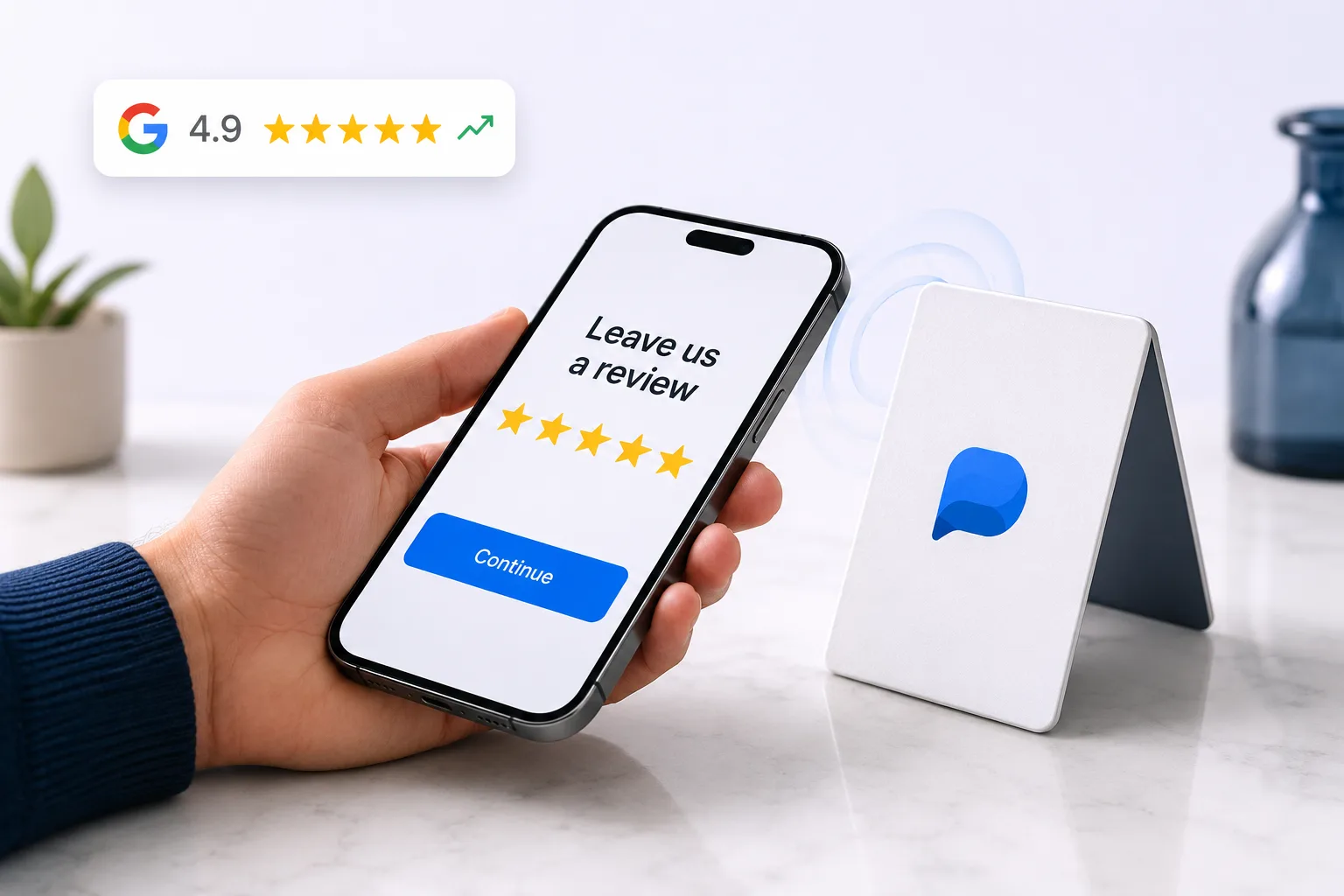
An NFC review stand sits on the counter and takes one tap. The customer holds their phone near it and your review page opens, no app, no camera, no aiming, and nothing to type. It is the lowest-friction way to collect a review in person.
Free forever for Google · No card required · Built for service businesses everywhere
Even a QR scan is a step too many for some.
Every extra step between a happy customer and a review loses people. Finding the camera, framing a code, waiting for it to focus. Each is small, and each costs you reviews from customers who were perfectly willing thirty seconds ago.
Any friction loses reviews
The fewer steps, the higher the conversion.
Scanning fumbles
Cameras, lighting and angles can slow a QR scan.
Static signage ignored
A tap invites action a poster doesn’t.
Tap to review in three steps.
Set up a card or stand
Program an NFC card/stand with your review link.
Place it at the counter
Where you’d hand back a card or receipt.
Customer taps & reviews
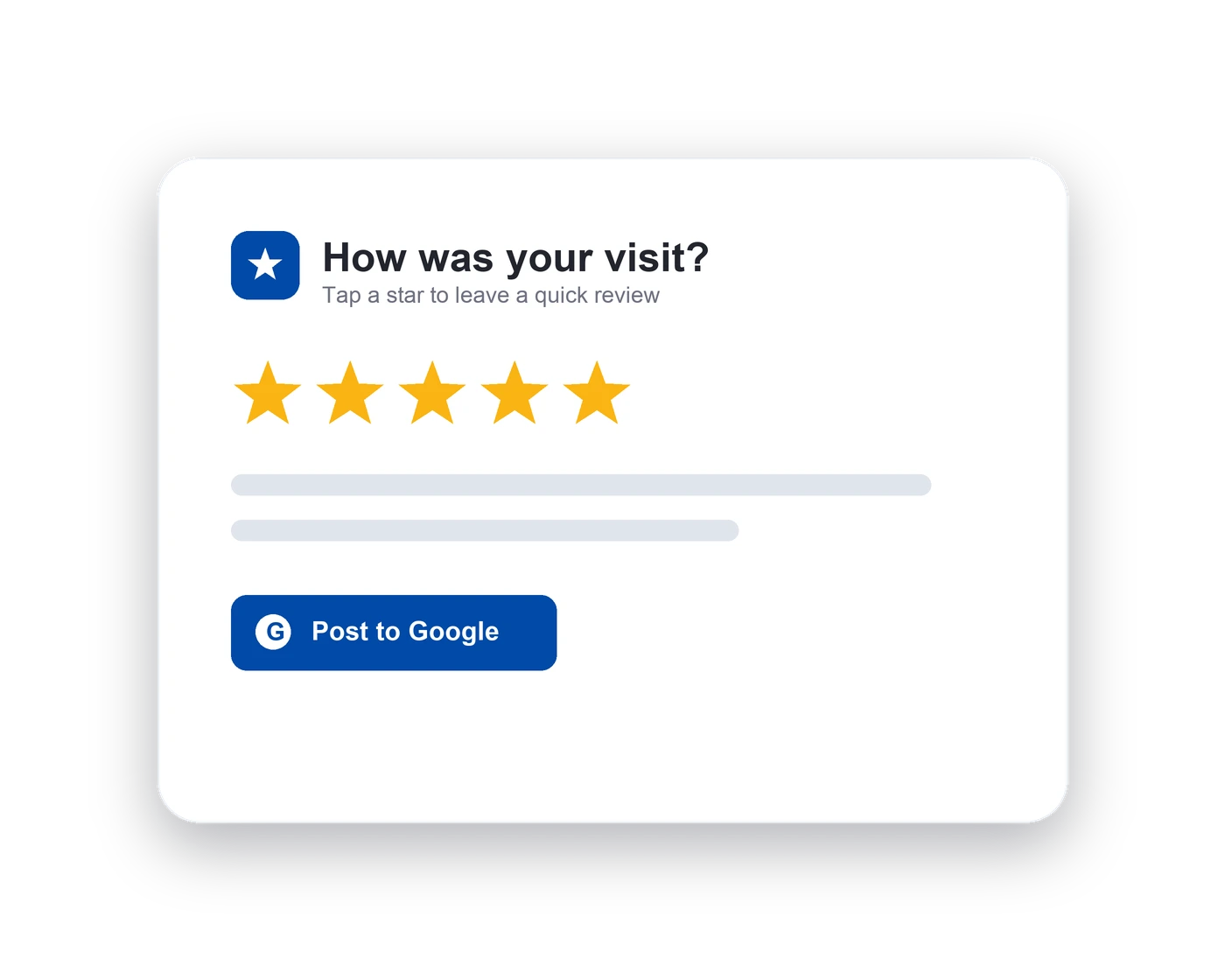
A tap opens your review page instantly, no app.
The lowest-friction collection method.
A tap removes the last of that friction. The customer does not need to open anything or aim at anything; the phone does the work when it is close enough. For a counter, a reception desk or a payment point, anywhere someone is already standing still with a phone in their hand, it is faster than any alternative.
- Tap, no app needed
- Works on most modern phones
- Instant review page
Built for the front desk.
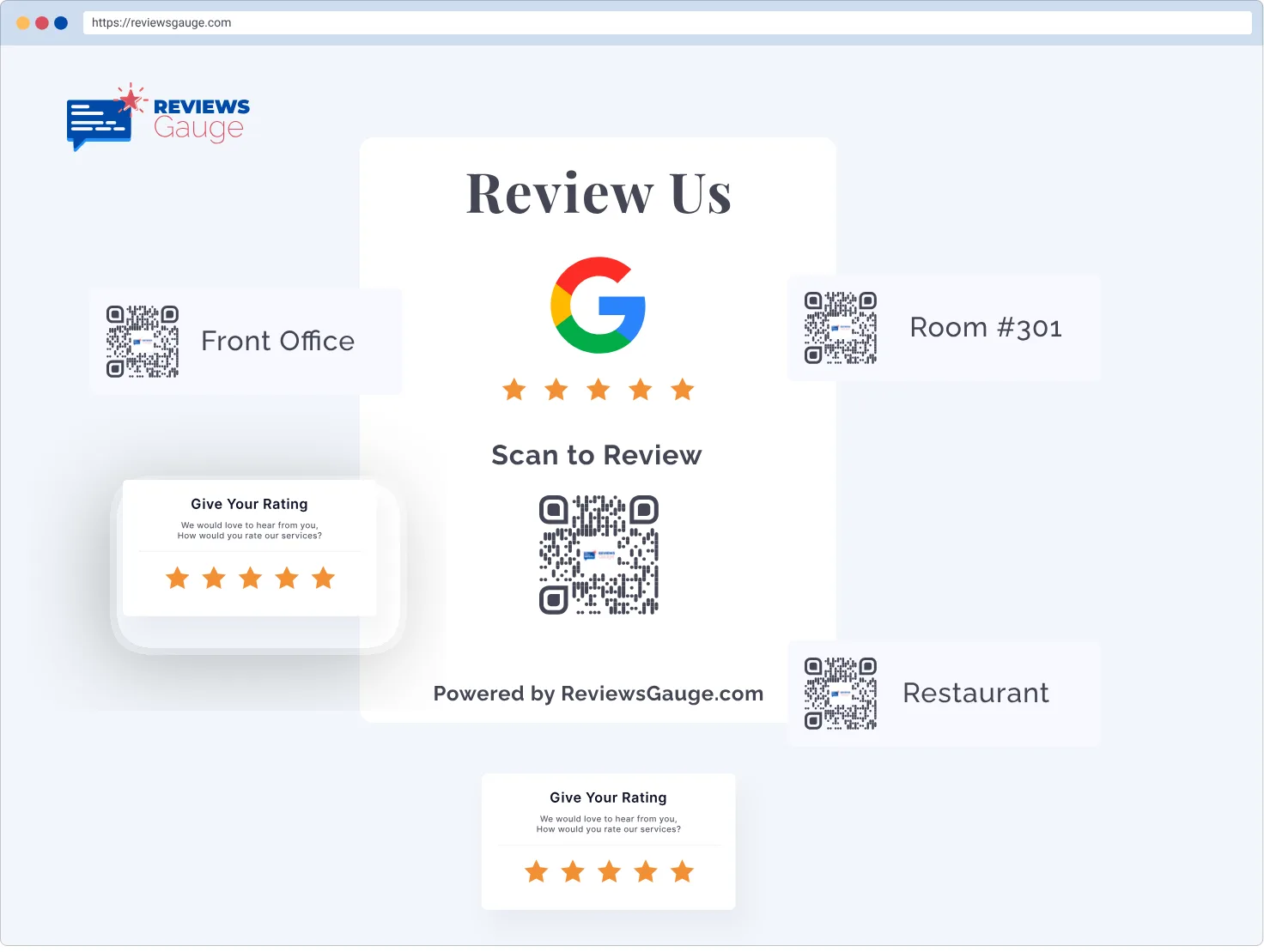
NFC and QR solve the same problem in different places. A printed QR code goes on receipts, packaging, table tents and posters, anywhere you can print. An NFC card or stand lives where customers physically pause. Most businesses run both, pointing at the same review page.
- Re-usable cards & stands
- Always on the counter
- Pair with QR codes
The easiest tap to five stars.

Tap-to-review
One tap, no app, no scan.

Front-desk ready
Permanent spot where you serve.

Reusable
Set up once, collect forever.
Better together.
Who uses nfc tap-to-review.
Airbnb & Short-Term Rentals · Real Estate · Tours & Travel · Dental & Orthodontics · Med Spas & Aesthetics · Beauty & Wellness
Further reading: How to remove a bad Google review (and what to do when you can’t) · How to ask customers for reviews without it being awkward · How to respond to a negative review
NFC Tap-to-Review, answered.
Do customers need an app for NFC?
What hardware do I need?
Is NFC available now?
Do customers need an app for NFC?
What is the difference between NFC and a QR code?
Does NFC work on both iPhone and Android?
Where should the stand go?
Is it reusable?
How many stands do I need?
What if a customer's phone does not respond?
Last updated