
Keep your Google profile active without the weekly chore.
Posting to Google every week is the job everyone knows helps and nobody keeps up with. ReviewsGauge writes your Google Business Profile posts in your own voice, lays a month of them out on a calendar, and publishes each one once you approve it.
Free forever for Google · No card required · Built for service businesses everywhere
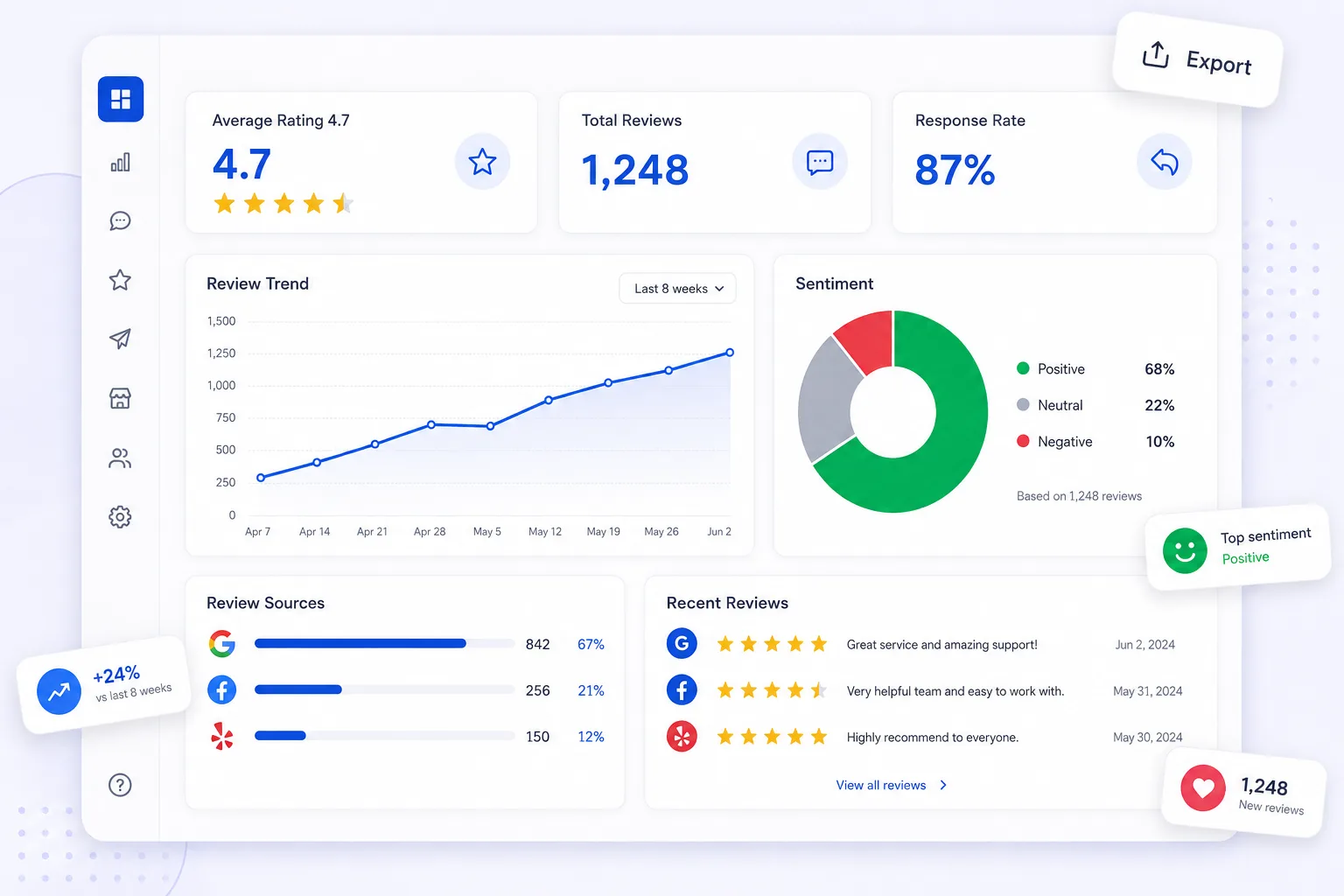
Your Google profile goes quiet, and quiet profiles get passed over.
Regular posts show customers you are open, active and worth choosing. Most businesses post for a week or two and then stop.
No time
Writing a good post every week slips down the list behind the actual work.
Blank page
An empty post box with no idea what to say is where the habit dies.
Stop-start
A burst of posts then months of silence says the opposite of what you want.
From an empty profile to a full month of posts.
Connect your Google profile
Link your Google Business Profile and add your services, offers and a few photos.
Let the AI draft
ReviewsGauge writes posts in your tone from your own details. Change the wording any time, or ask for a rewrite.
Approve and publish
Approve from an email and the post goes live on schedule. Turn on Autopilot and fresh drafts keep arriving.
Autopilot
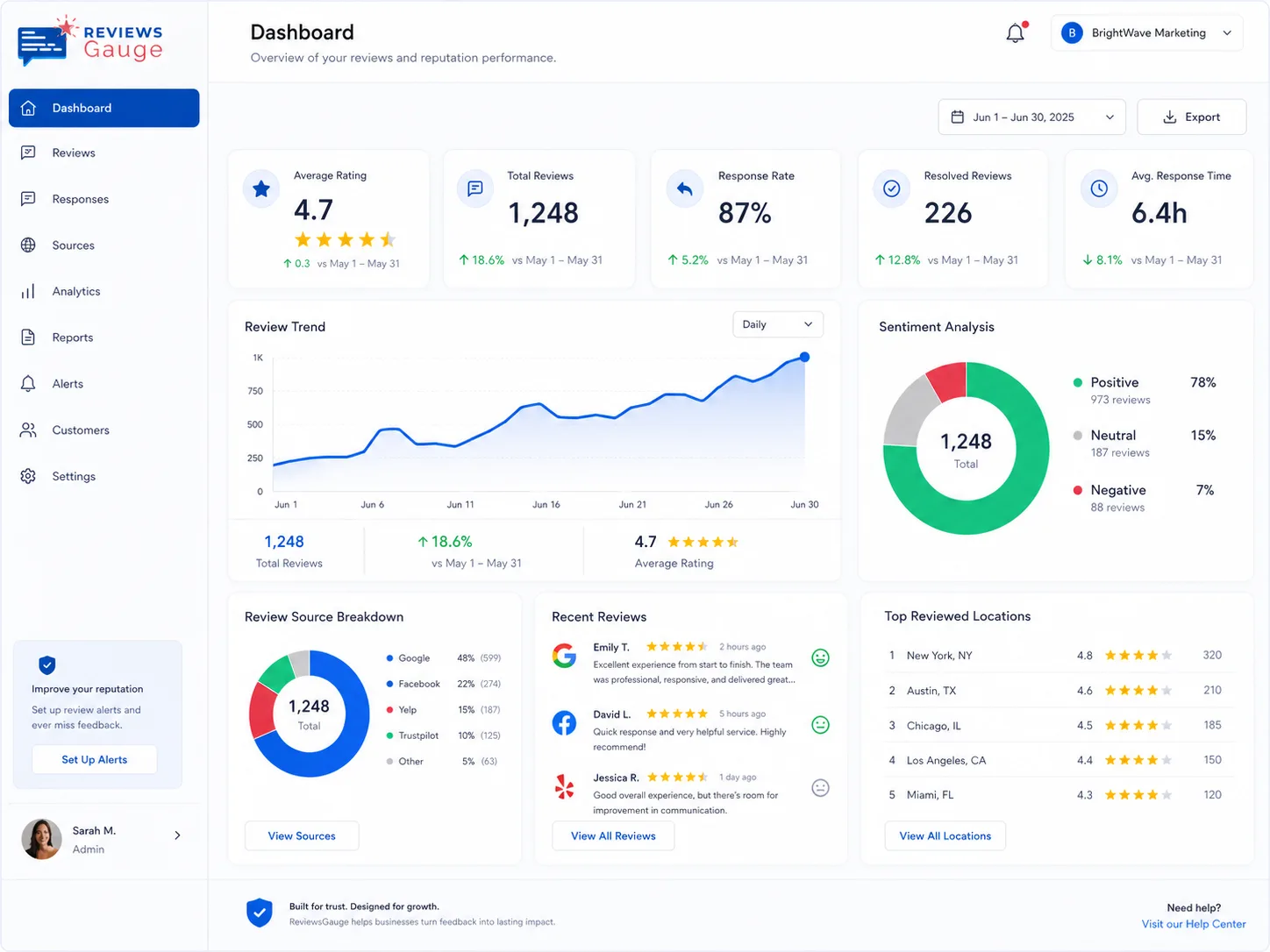
Switch Autopilot on and ReviewsGauge writes fresh posts on a schedule and picks photos from your library. Nothing publishes until someone approves it, so the work runs itself while you stay in control. The whole month sits on a calendar, and you can move anything around.
- Posts written on a schedule
- Photos chosen from your library
- You approve before anything goes live
Reviews into posts
A great review is proof other customers want to see. ReviewsGauge turns one into a branded image and posts it to your Google profile, with a caption written for you. Your best feedback stops sitting on a reviews page and starts working where people choose you.
- Branded image from a real review
- Caption written for you
- Posted straight to Google
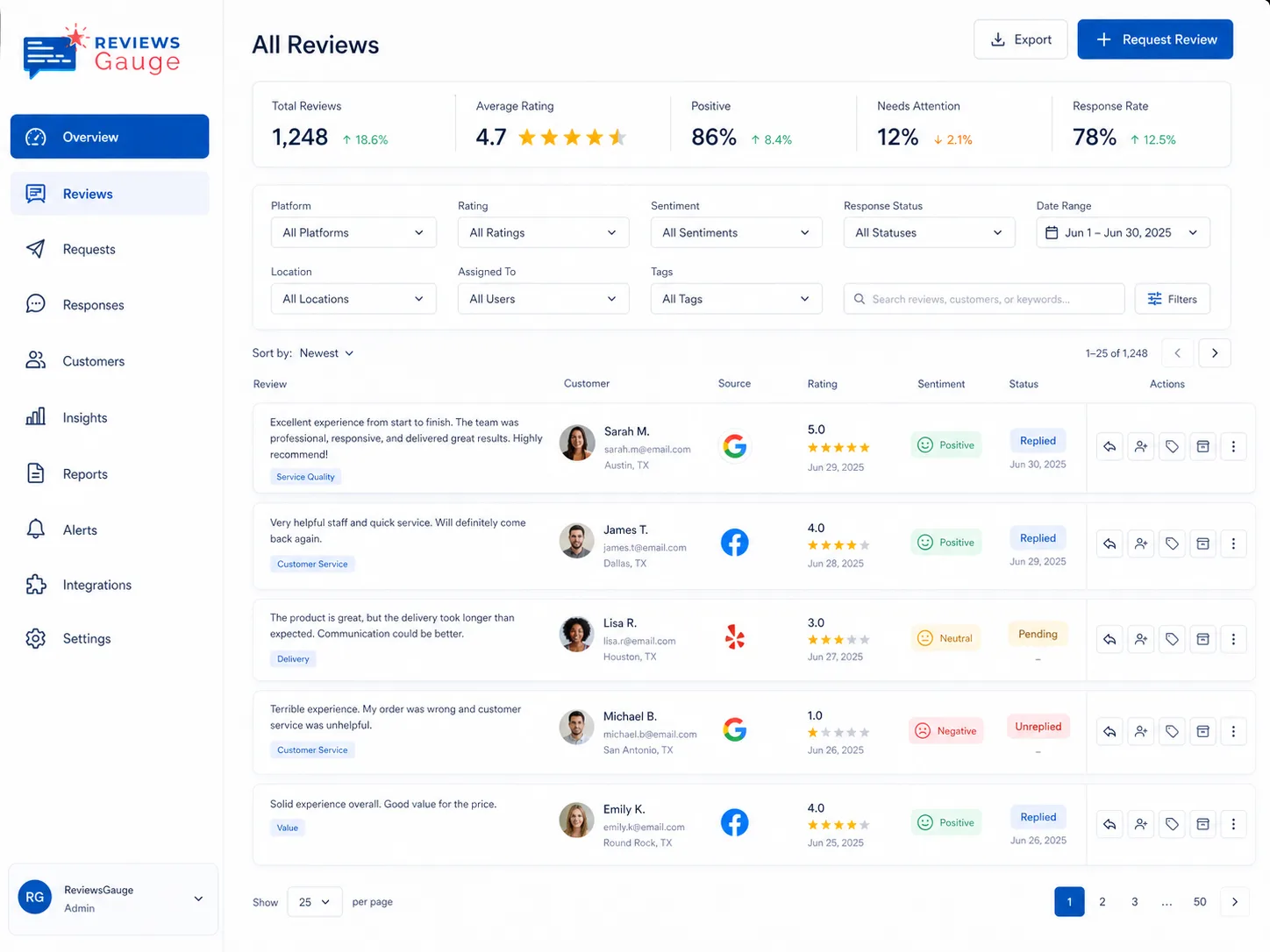
Everything you need to run Google posts.

Updates, offers and events
Post any of the three Google post types, with a button and link where it fits.

Written in your voice
Set the tone, length and words to avoid, then rewrite any draft you do not like.

Approve by email, no login
Approve, edit or request changes from a branded email, and clear several at once.
Photos from a phone
Send a link and your team adds photos with no app and no login.

Every location
Plan and post for one place or many from a single calendar.

More than one language
Write in your main language and add a second one.
Better together.

Who uses google posts.
Yoga Studio · Home Services · Airbnb & Short-Term Rentals · Real Estate · Tours & Travel · Dental & Orthodontics
Further reading: Reputation management agency or software: which do you actually need? · What reputation management actually costs in 2026 · Reputation management for doctors and medical practices
Google Posts, answered.
Does ReviewsGauge post to Google automatically?
Will the posts sound like my business?
Can someone approve posts without logging in?
What kinds of posts can I publish?
Can I manage more than one location?
Can I turn a review into a post?
Last updated